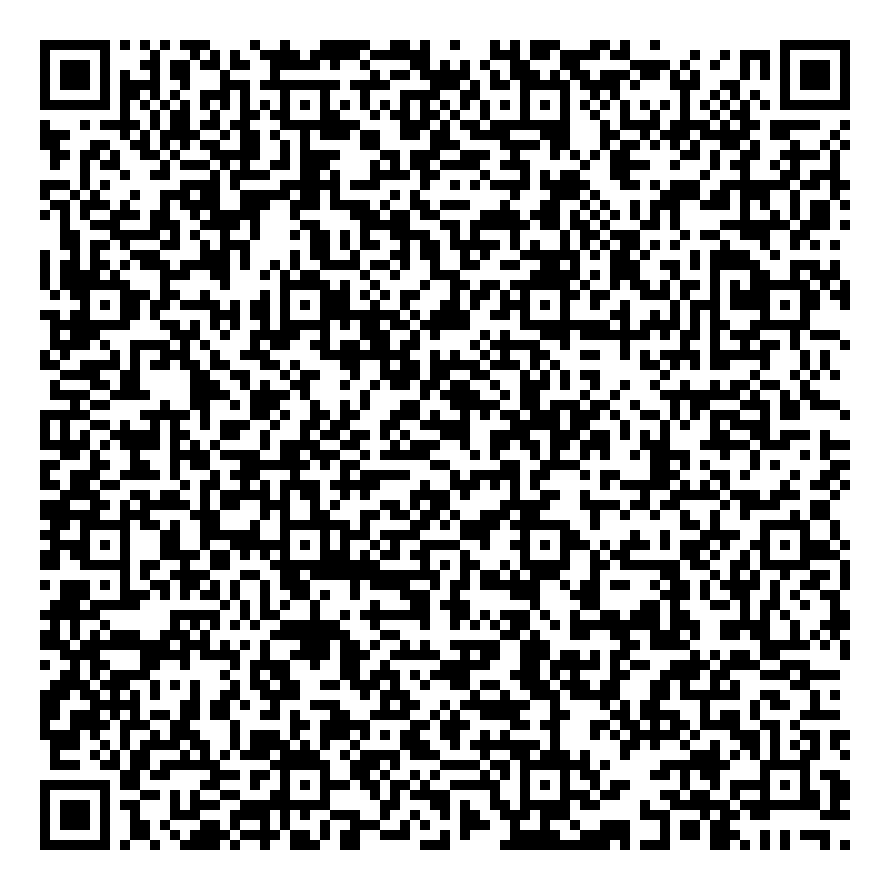
GasPro Android Launcher — provisioning v1.0.10
Enroll a factory-reset device as Device Owner by scanning the QR code below.
- Factory-reset the device and remove all Google accounts.
- On the setup-wizard welcome screen, tap 6 times to open the QR scanner.
- Scan the code above. The device downloads the launcher, verifies its checksum,
installs it as Device Owner, and locks into kiosk mode.
Download APK directly
Bench provisioning (ADB)
For devices that don't show the QR setup screen (e.g. some Telpo units), provision over USB
with the helper script — it installs the launcher, sets it as the home screen, and makes it
Device Owner in the correct order.